A real phone front desk for home service calls.
KaiCalls answers when the crew cannot, asks trade-specific triage questions, and turns each call into a usable job record. Use it for missed calls, after-hours emergencies, booking requests, estimates, and overflow during busy season.
Plans start at $69/month. Trial activation uses Stripe Checkout unless x402 is used.

Answer before voicemail
Ring the owner or dispatcher first, then let Kai pick up when the team is busy, driving, or asleep.
Ask trade-specific questions
Kai uses the right script for plumbing, HVAC, roofing, electrical, cleaning, landscaping, and other service packs.
Route the next action
Urgent jobs can transfer or alert. Routine work can book a calendar slot or create a structured follow-up.
Send the job record
Caller details, transcript, urgency, service type, summary, and next step move through supported handoffs.
Built around the calls each trade actually gets
Each vertical has its own page, pack, intake fields, and escalation patterns instead of one generic receptionist script.
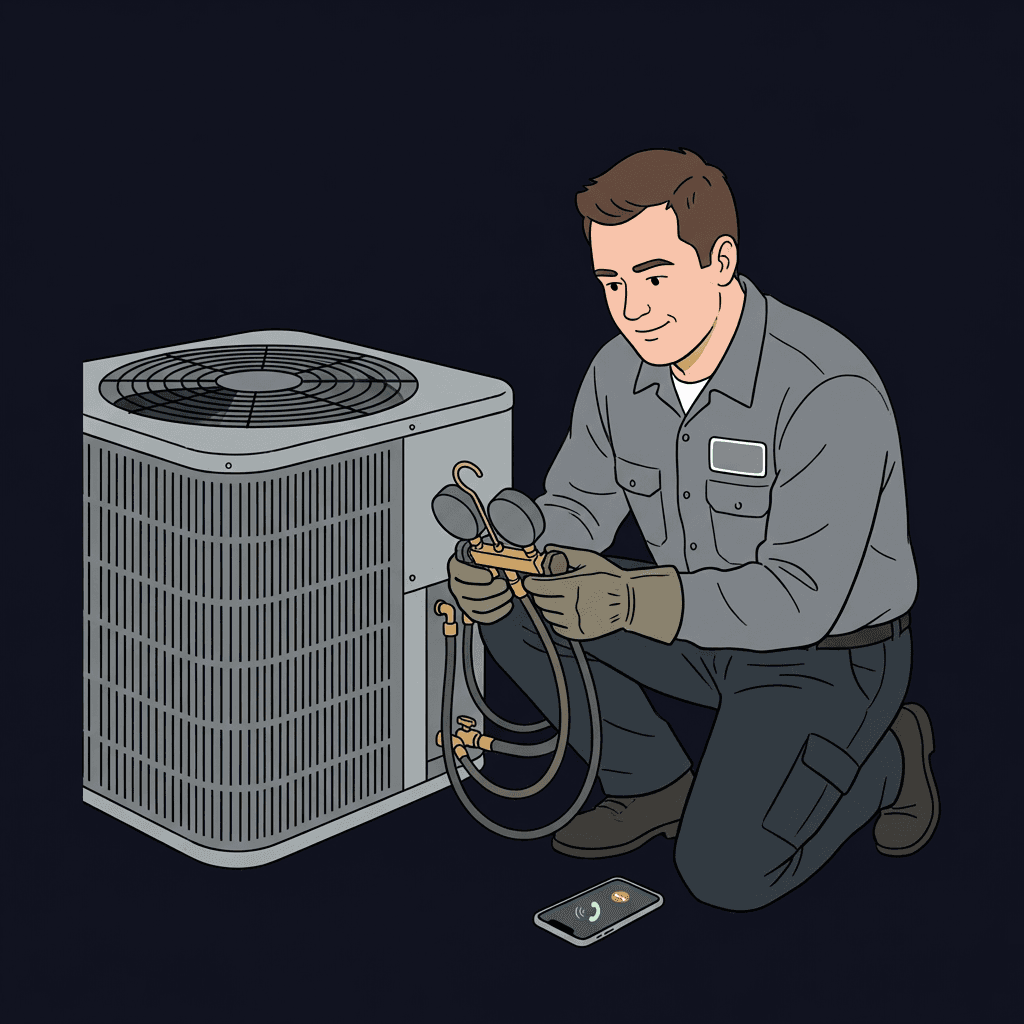
HVAC
No-heat, no-cooling, tune-up, and estimate calls with severity checks before dispatch.
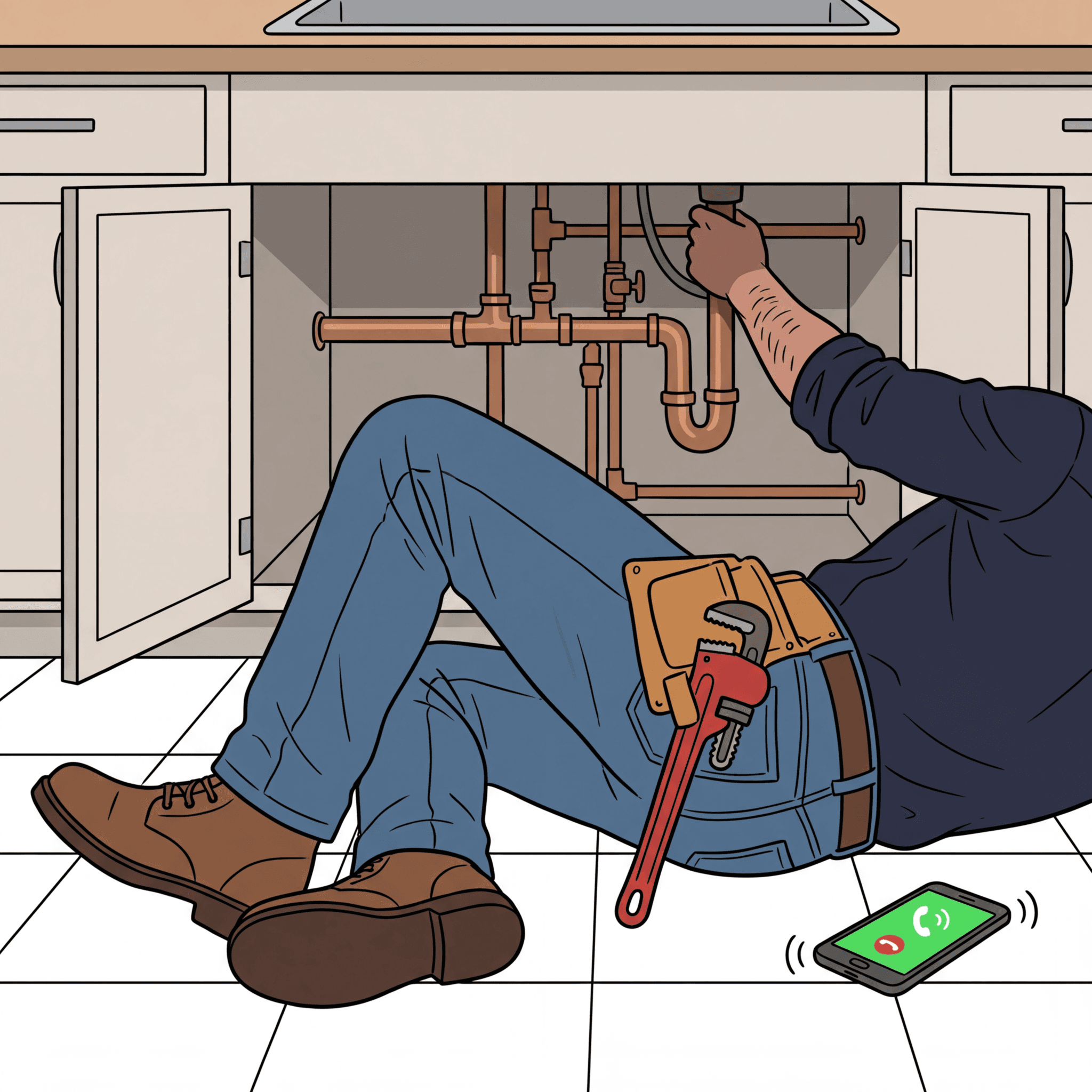
Plumbing
Burst pipe, leak, clog, water heater, and fixture calls separated into urgent and routine paths.

Roofing
Storm damage, active leak, inspection, and replacement calls captured with site details.
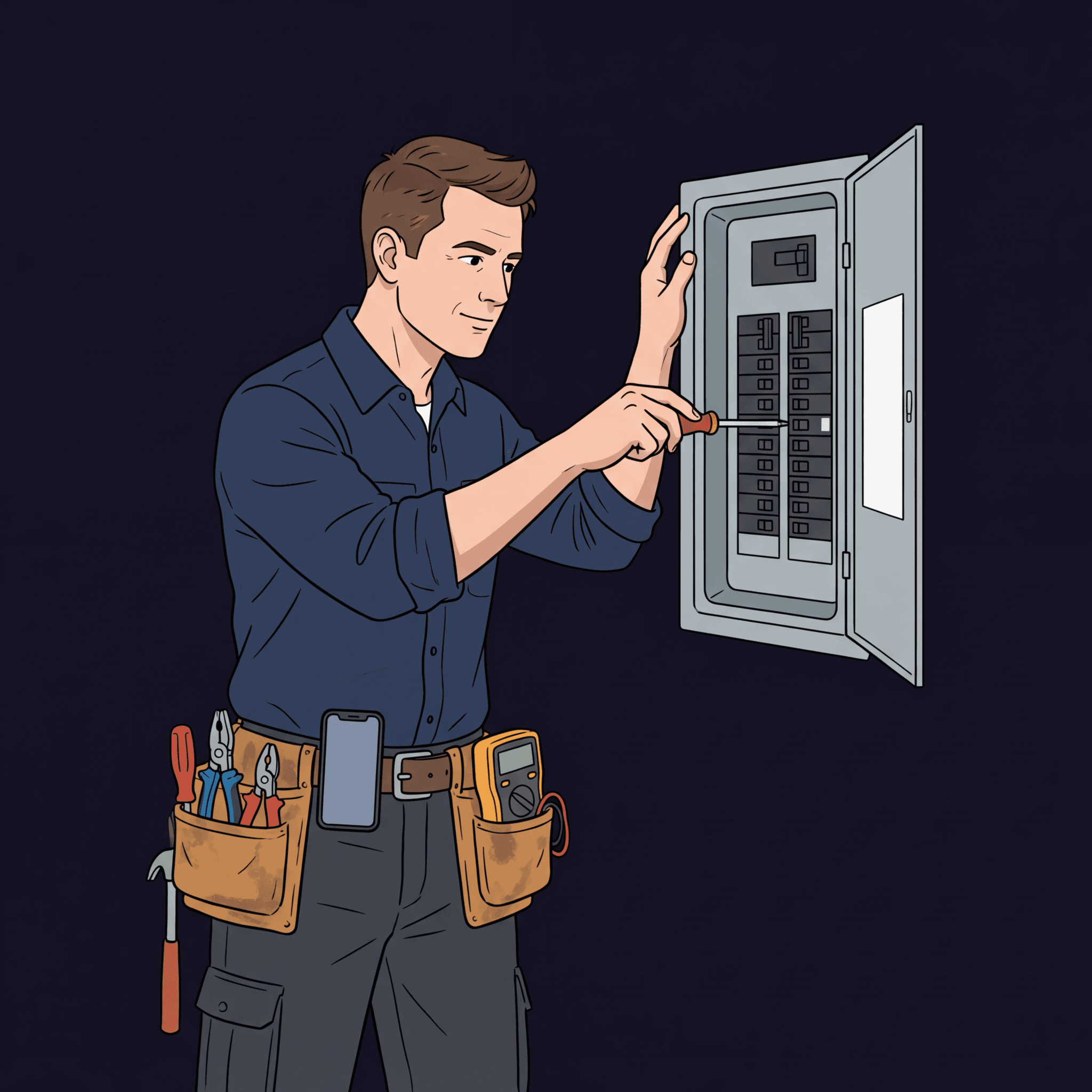
Electrical
Safety hazards, panel work, outlet repairs, EV charger requests, and estimate calls routed cleanly.
Same phone number, different outcome for each call
A good home-services phone system does not just answer. It decides what should happen next based on the caller, service type, urgency, and your on-call rules.
Wake the right person only when the job is truly urgent
Kai confirms whether the caller has active water, unsafe temperature, sparking, storm damage, or another owner-defined escalation trigger before routing.
- Transfer to on-call tech or owner
- Send SMS summary with caller and address
- Mark call as urgent for follow-up
Book or queue the job without interrupting the crew
For estimates, tune-ups, inspections, and non-urgent repairs, Kai gathers enough detail for the office to act without replaying the entire call.
- Offer Google Calendar or Outlook slots when configured
- Send confirmation by SMS or email
- Create a structured lead record
Home services setup packs included
Open a pack to inspect the actual working pieces: intake fields, prompt guardrails, failure modes, routing expectations, and eval scenarios for each trade.
Plumbing
7 evals5 required fields, 9 prompt rules, 6 known failure modes.
HVAC
7 evals6 required fields, 11 prompt rules, 6 known failure modes.
Electrical Services
6 evals6 required fields, 7 prompt rules, 6 known failure modes.
Roofing Services
6 evals8 required fields, 7 prompt rules, 6 known failure modes.
Handyman
7 evals5 required fields, 10 prompt rules, 6 known failure modes.
Garage Door Service
7 evals6 required fields, 10 prompt rules, 6 known failure modes.
Landscaping Services
6 evals6 required fields, 7 prompt rules, 6 known failure modes.
Residential & Commercial Cleaning
6 evals7 required fields, 8 prompt rules, 6 known failure modes.
Pest Control
6 evals8 required fields, 8 prompt rules, 6 known failure modes.
Pool Service
7 evals6 required fields, 10 prompt rules, 6 known failure modes.
General Contractors
7 evals7 required fields, 12 prompt rules, 7 known failure modes.
Moving & Relocation
7 evals8 required fields, 9 prompt rules, 6 known failure modes.
Built for the objections contractors actually have
Home-services answering fails when it treats every call the same. KaiCalls separates emergencies from routine work, keeps owners reachable for the right calls, and captures enough detail for a clean follow-up.
Calls still reach you when they should
Use ring-first routing for owner or dispatcher cells, then let KaiCalls answer if no one picks up. The caller avoids voicemail and the team keeps control of urgent work.
Urgency is asked, not guessed
KaiCalls collects severity details before routing. Owners can define which answers trigger an immediate transfer, an alert, or a normal booking path.
Each lead arrives already structured
The post-call record can include transcript, caller details, service requested, urgency, location, and next step, then move through a supported CRM or webhook handoff.
Routine jobs can book cleanly
KaiCalls can offer available calendar times, send confirmation by SMS or email, and alert the owner when a job needs a human review.
Service-aware intake examples
| Trade | Routine path | Urgent path | Transfer logic |
|---|---|---|---|
| Plumbing | Clogged drain, fixture repair, estimate request | Active leak, flooding, shutoff valve issue | Transfer or alert when water is uncontrolled or the caller cannot stop the leak. |
| HVAC | Maintenance tune-up, filter issue, quote request | No heat, no cooling, vulnerable person in the home | Escalate when indoor temperature creates a safety risk or the caller reports a complete outage. |
| Roofing | Inspection request, quote request, gutter issue | Active leak, storm damage, exposed interior | Collect photos or site details, then route active leaks and storm damage for priority review. |
| Electrical | Outlet repair, EV charger quote, panel estimate | Sparking, burning smell, partial power loss | Transfer safety hazards immediately and capture location details for the on-call electrician. |
Hear the difference between answering and dispatching
Try a caller scenario like "my water heater is leaking" or "I need a roof inspection after the storm." The demo shows how Kai gathers job details instead of taking a generic message.
Kai Home Services Dispatch Demo
Connecting voice system...
Connecting voice system...
Or call to talk to Kai now
1 (417) 386-2898Available 24/7
Demo calls may be recorded and used for training and marketing. Please don't share sensitive info. See Terms and Privacy.
When the crew misses it, Kai answers.
Use Kai as the fallback before voicemail, then send the summary to the team.
The call ends with work your team can use
KaiCalls is most useful when the next step is obvious. Route urgent calls to people, routine calls to calendars, and complete records to your existing workflow.
Calendar booking
Offer configured Google Calendar or Outlook availability for routine jobs, estimates, and site visits.
SMS and email alerts
Send short summaries to the owner, dispatcher, or on-call technician when a call needs review.
Webhook and CRM routing
Push structured call records into supported CRM, Zapier, webhook, and downstream operations tools.
Flat plans that match call volume
Pick a plan based on answered-call volume — flat, with no per-minute overage. If your volume grows, we right-size you to the next plan with a heads-up first. Start with the trial, then tune scripts, routing, and handoffs before sending real traffic.
Questions contractors ask before sending calls to AI
Can Kai answer after-hours emergency calls?
Yes. You define the emergency triggers for each trade, then Kai asks the caller for the details needed to decide whether to transfer, alert, book, or queue the job.
Does it replace my dispatcher?
It is usually a fallback and overflow layer. Owners can keep ring-first routing for their team, then let Kai answer before callers hit voicemail.
What systems can receive call details?
KaiCalls supports structured handoffs through supported CRM, calendar, webhook, Zapier, SMS, and email workflows. Exact mapping depends on your setup.
Can different trades use different scripts?
Yes. The home-services library includes separate packs for plumbing, HVAC, electrical, roofing, handyman, garage door, landscaping, cleaning, pest control, pool service, moving, and contractors.