AI medical receptionist
AI Medical Receptionist for Front-Desk Call Coverage
KaiCalls helps medical practices answer routine phone calls, capture appointment requests, collect callback details, and route urgent matters according to your office policies.
coverage for routine calls and after-hours message capture
pickup for patients who would otherwise reach voicemail
routing based on your office rules and escalation boundaries
summaries for staff review and callback prioritization
Best fit
Clinics and practices that need better front-desk phone coverage for routine scheduling requests, callbacks, FAQs, and after-hours messages. Review compliance requirements before using it with protected health information.
A Medical Front Desk Is a Triage Problem in Disguise
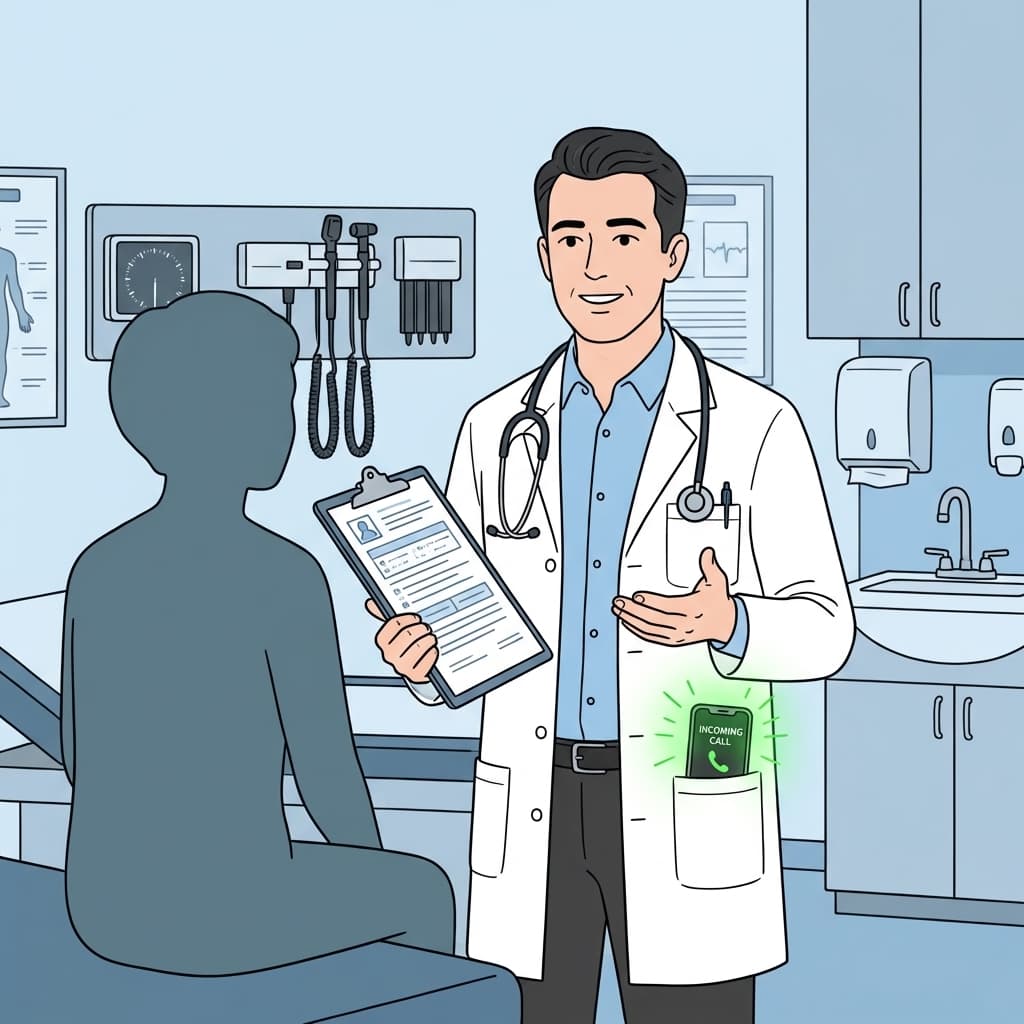
Medical front-desk phones fail in a specific way: every call arrives mid-task. A staff member is checking a patient in, verifying coverage, or walking someone to a room when the line rings with a scheduling request, a records question, and occasionally something that needs immediate attention. The result is hold times, dropped calls, and patients who give up and call the practice across the street. The fix is not a faster human — it is removing the routine calls from the human entirely.
Kai is configured to handle the calls that do not require clinical judgment: requesting an appointment, confirming whether the caller is new or returning, answering location and hours questions, and capturing callbacks. The boundary is the entire point. Kai does not give medical advice, does not interpret symptoms, and does not make clinical decisions. For anything that touches those areas, it follows the exact escalation language your practice approves — including directing emergency callers to emergency services.
Practices handling protected health information should treat Kai as a front-desk and intake layer and confirm it fits their compliance posture before exposing it to PHI. Used inside those boundaries, it gives staff back the hours currently spent on routine scheduling calls and replaces voicemail tag with structured, prioritized summaries the team can work through between patients.
Medical Front Desks Are Overloaded
Patients call for appointments, directions, records questions, and urgent concerns at the same time. Kai helps separate routine intake from calls that need staff attention.
Appointment requests
Capture preferred times, reason for visit, contact details, and whether the caller is new or returning.
Urgency routing
Follow your office-defined escalation language for urgent or emergency situations.
Callback prep
Give staff clear summaries so they can return calls with context instead of replaying voicemails.
Medical Front-Desk Calls Kai Handles
Appointment requests
Kai collects new-or-returning status, reason for visit at the level you allow, preferred days and times, and the best callback number — then leaves the actual scheduling decision to staff.
New patient inquiries
A prospective patient asking whether you are accepting new patients or take their insurance gets your approved answers, plus contact capture for follow-up.
Urgent-concern routing
When a caller describes something urgent, Kai follows your office-defined language and escalation path rather than improvising, including advising emergency services where appropriate.
Records and admin questions
Routine "how do I request my records / where do I park / what are your hours" calls are answered from approved information so the desk is not interrupted for them.
After-hours message capture
Non-emergency calls outside office hours become clean, prioritized summaries for the morning instead of a stack of voicemails staff have to replay.
What Buyers Should Know Before Choosing AI Medical Receptionist
KaiCalls is built for owners and lean teams that need calls answered without adding a full-time receptionist. The important questions are simple: what calls should Kai answer, what details should it collect, and when should a human take over?
Real call coverage
Kai answers forwarded calls, asks the caller why they are calling, captures the details your team needs, and sends a usable summary.
Clear call rules
You decide which calls Kai handles, which questions he asks, and which situations should be transferred or flagged for follow-up.
Honest limits
Kai should not pretend to be a doctor, lawyer, or property manager. He captures information and routes calls based on rules you approve.
How an AI Medical Receptionist Works
Kai is configured around your practice information, call handling boundaries, and escalation instructions.
Answer routine calls
Kai can respond to basic office questions and gather enough detail for the right callback.
Capture structured details
The AI collects caller name, contact information, appointment request, timing preferences, and notes.
Route by policy
Calls are summarized or escalated based on the rules your practice provides.
Live demo
Demo a Routine Medical Front-Desk Call
Call Kai with a scheduling request, callback question, or office-hours question. The demo shows front-desk information capture and routing boundaries, not clinical advice.
Demo scenario
Try this scenario when calling Kai.
Caller
I am a returning patient and need to request an appointment next week.
Kai
I can take the request for the office. What days work best, and what is the best callback number?
Summary
Kai captures the appointment request and callback context while leaving clinical decisions to staff.
What Goes Wrong With AI Phone Answering
A good demo voice is not enough. AI answering only helps when the call rules, handoff, and escalation process match how your team actually works.
Outdated call rules
Services, hours, prices, staff names, and escalation contacts change. Kai needs current business rules to answer callers well.
Incomplete handoffs
A useful summary explains what the caller needs, how urgent it is, how to reach them, and what should happen next.
Bad escalation boundaries
Medical, dental, legal, and property calls need clear routing rules. Kai should capture and escalate instead of making professional judgments.
AI Medical Receptionist Use Cases
Routine appointment request capture when staff are busy.
After-hours call answering for non-emergency messages and next-day callbacks.
New patient inquiry capture with contact and service interest details.
Office FAQ responses for hours, location, parking, and callback expectations.
Call summaries that help staff prioritize follow-up.
Overflow coverage during lunch, peak call windows, and staff shortages.
AI Medical Receptionist vs Voicemail
Frequently Asked Questions
Can an AI medical receptionist give medical advice?
No. Kai should be configured for call answering, information capture, scheduling requests, and routing. Medical advice, diagnosis, and clinical decisions belong with licensed professionals.
Can Kai handle urgent patient calls?
Kai can follow your approved escalation instructions, including advising emergency callers to use emergency services when appropriate and routing calls according to your rules.
Is this a replacement for staff?
Kai is best used as coverage for routine calls, overflow, and after-hours capture so staff can focus on patients and high-touch follow-up.
Related KaiCalls Resources
Give Your Front Desk Breathing Room
Use Kai to answer routine calls, capture clean details, and route urgent matters according to your practice policy.