Dental AI receptionist
Dental AI Receptionist for Calls, New Patients, and After-Hours Requests
KaiCalls helps dental offices answer calls, capture new patient requests, collect appointment preferences, and summarize after-hours messages so the front desk can follow up faster.
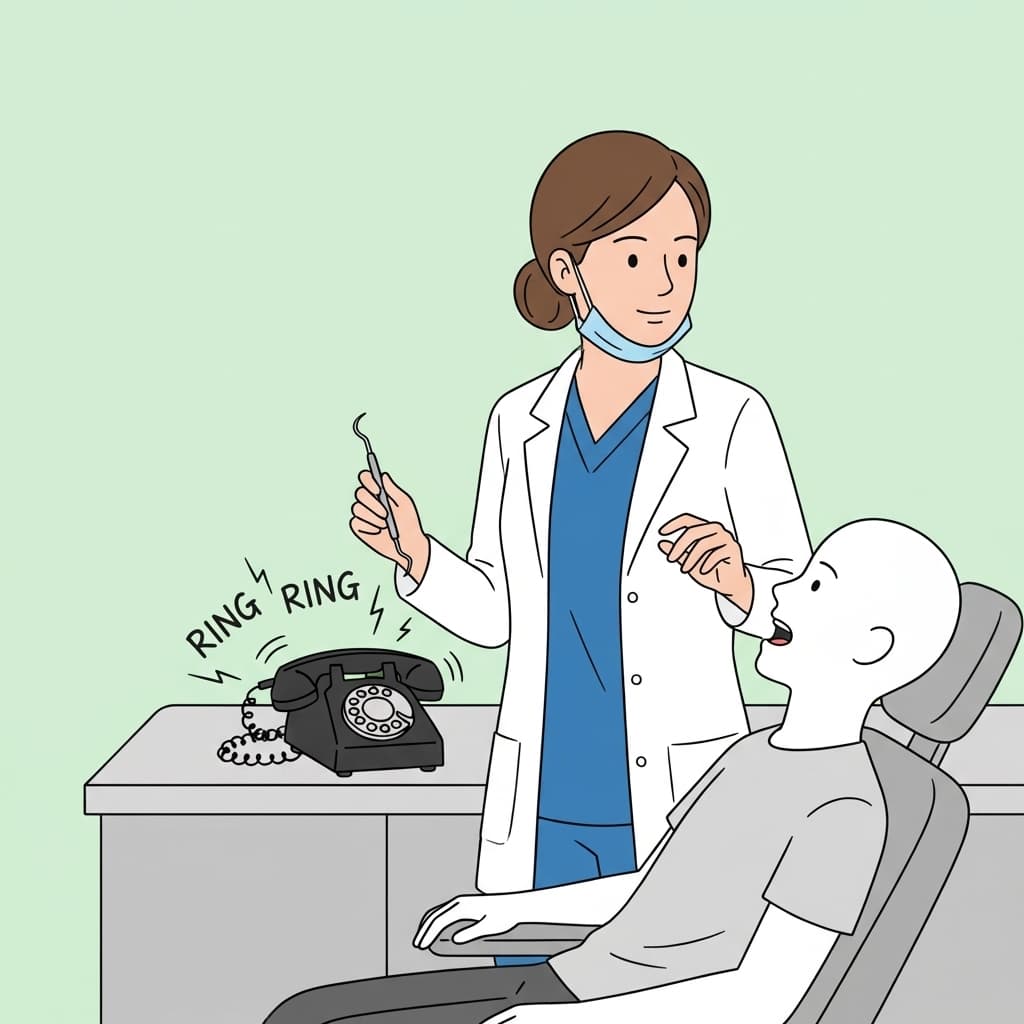
answering for new patient and after-hours calls
patient details captured before staff follow-up
pickup when the front desk is busy
summaries for appointment and callback workflows
Best fit
Dental practices that miss calls during chair time, lunch, after hours, or busy hygiene blocks and need cleaner intake before the front desk calls back.
In Dentistry, a Missed New-Patient Call Is a Lost Lifetime Patient
A new dental patient is worth far more than a single appointment — they are years of cleanings, exams, and treatment. That makes the new-patient phone call one of the highest-value events in the practice, and also one of the most likely to be missed. The front desk is checking in patients, verifying insurance, and supporting hygiene at the same time, and the call that could have started a decade-long relationship rolls to voicemail while someone is mid-task.
Kai answers those calls and runs the intake a strong front desk would: it confirms whether the caller is a new or existing patient, captures the reason for the visit at the level you allow, notes insurance details if you collect them by phone, and gathers timing preferences and a callback number. The team gets a front-desk-ready summary and can schedule or route the caller without replaying a voicemail or calling back blind.
The boundaries are firm and built for a clinical setting. Kai does not give dental advice, does not assess symptoms, and does not handle a true emergency on its own — it follows the emergency routing language your office approves and escalates accordingly. Many practices also choose to disclose AI assistance in the greeting; Kai is designed to sound natural either way. Inside those rules, it protects the new-patient pipeline and clears routine scheduling off the desk.
Dental Calls Often Arrive at the Worst Time
Patients call while the team is checking someone in, collecting payment, or helping a hygienist. Kai answers those calls and captures the details the team needs.
New patient calls
Capture service interest, timing, insurance notes, and contact details before the next callback.
Appointment requests
Collect preferred days, times, provider needs, and reason for visit.
Escalation boundaries
Route urgent dental concerns according to office policy and avoid clinical advice.
Dental Calls Kai Handles
New patient inquiries
Kai confirms new-patient status, captures the reason for the visit and insurance details you collect by phone, and gathers timing preferences so the desk can book a high-value new patient fast.
Cleaning and exam scheduling
Routine recall and hygiene appointment requests are captured with preferred days, times, and provider needs so the schedule fills without phone tag.
Insurance and cost questions
Common "do you take my plan / what does a new-patient visit cost" questions get your approved answers, with capture for anything that needs a coordinator.
Dental emergency routing
When a caller describes pain, swelling, or a broken tooth, Kai follows your office-approved emergency language and escalation path instead of offering any clinical opinion.
After-hours and overflow capture
Calls outside hours or during a check-in rush become structured summaries with reason and urgency, ready for the front desk in the morning.
What Buyers Should Know Before Choosing Dental AI Receptionist
KaiCalls is built for owners and lean teams that need calls answered without adding a full-time receptionist. The important questions are simple: what calls should Kai answer, what details should it collect, and when should a human take over?
Real call coverage
Kai answers forwarded calls, asks the caller why they are calling, captures the details your team needs, and sends a usable summary.
Clear call rules
You decide which calls Kai handles, which questions he asks, and which situations should be transferred or flagged for follow-up.
Honest limits
Kai should not pretend to be a doctor, lawyer, or property manager. He captures information and routes calls based on rules you approve.
How Dental AI Reception Works
Kai works as phone coverage for your existing office number and front-desk process.
Answer the call
Kai greets the caller and determines whether they are a new patient, existing patient, vendor, or urgent caller.
Collect appointment context
The conversation captures the reason for visit, timing preferences, contact info, and follow-up notes.
Send a clean summary
Your front desk gets the information needed to schedule or route the caller appropriately.
Live demo
Try a New Patient Dental Call
Call the demo as a new patient asking about an appointment. Kai should collect the visit reason, timing preferences, contact details, and urgency without giving dental advice.
Demo scenario
Try this scenario when calling Kai.
Caller
I am a new patient and want to schedule a cleaning next month.
Kai
Great. I can take the request for the front desk. Do you prefer mornings or afternoons?
Summary
Kai prepares a front-desk-ready note with patient type, visit reason, timing, and callback details.
What Goes Wrong With AI Phone Answering
A good demo voice is not enough. AI answering only helps when the call rules, handoff, and escalation process match how your team actually works.
Outdated call rules
Services, hours, prices, staff names, and escalation contacts change. Kai needs current business rules to answer callers well.
Incomplete handoffs
A useful summary explains what the caller needs, how urgent it is, how to reach them, and what should happen next.
Bad escalation boundaries
Medical, dental, legal, and property calls need clear routing rules. Kai should capture and escalate instead of making professional judgments.
Dental AI Receptionist Use Cases
New patient inquiry capture from Google Business Profile and website calls.
After-hours appointment requests and next-day callback prep.
Overflow coverage during lunch, check-in rushes, and hygiene blocks.
Callback summaries for treatment questions and scheduling changes.
Basic office FAQ handling for location, hours, and next callback timing.
Policy-based routing for urgent or emergency dental concerns.
Dental AI Receptionist vs Missed Calls
Frequently Asked Questions
Can a dental AI receptionist schedule appointments?
Kai can capture appointment requests and preferences. Calendar booking depends on your setup and the scheduling rules you choose to connect.
Can it handle dental emergencies?
Kai can follow your office-approved emergency routing language and escalation rules, but it should not provide clinical advice.
Will patients know it is AI?
Kai is designed for natural phone conversations. Many practices still choose to disclose AI assistance clearly as part of their phone greeting.
Related KaiCalls Resources
Answer Dental Calls While Your Team Stays Present
Capture new patient requests, after-hours messages, and callback details without pulling the front desk away from in-office care.